- 1TAPE
- 2SHIFT + LIFT
- 3T1 / T2 / T3 / T4
- 4SHIFT + DROP
1.2.1 merge drop introduction
type: drop lifted tracks as one mix · by maiko
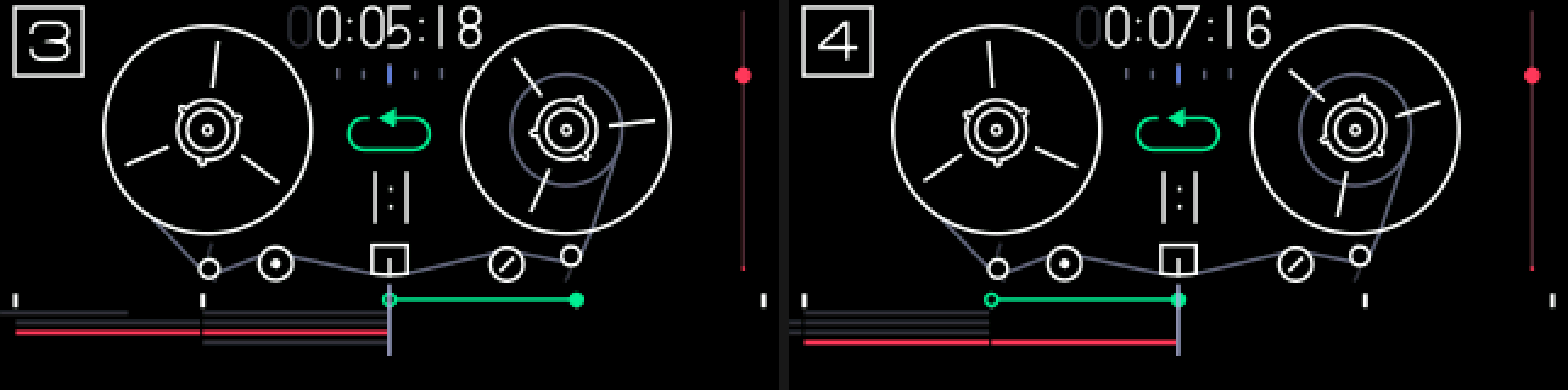
Drops what you lifted onto the selected track as one mix. Lift all four tracks with SHIFT + LIFT, pick a track, and SHIFT + DROP puts all four on it, mixed together, at the playhead.
Lift a single track with LIFT and SHIFT + DROP is simply a DROP onto the selected track, whichever track it came from.
1.2.2 opening merge drop
step 1
TAPE
step 2
SHIFT + LIFT
step 3
T1 / T2 / T3 / T4
step 4
SHIFT + DROP
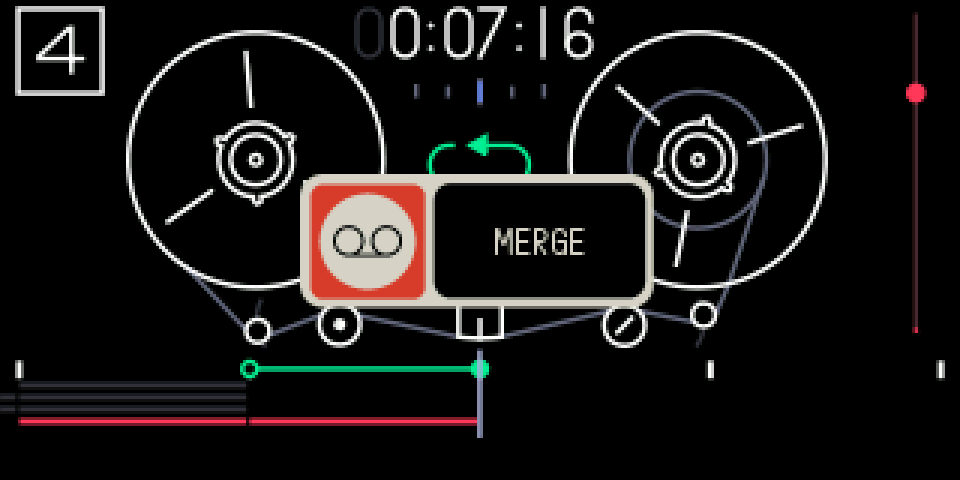
Tape mode. SHIFT + LIFT (or LIFT), select the track to drop onto, then SHIFT + DROP.
1.2.3 keys
SHIFT + LIFT
TE's lift all: the four tracks over the loop into the clipboard. Needs the loop on, shorter than about 22 s, with audio inside
LIFT
or lift one track, as usual
SHIFT + DROP
merge drop: the clipboard mixed onto the selected track at the playhead
TAPE + ←
undo it: the whole merge is one step
1.2.4 the mix
The mix replaces what was on the track in that stretch, the way a DROP does: the track's old audio there isn't part of it.
Tracks are mixed as recorded: the mixer's volume and pan aren't applied. If the sum would clip anywhere, the whole mix goes through a soft limiter; otherwise it is the exact sum.
1.2.5 tips
- A MERGE popup shows for about a second. No popup means it was refused: while recording, with an empty clipboard, or when the drop would run past the end of the tape.
- With the tape stopped, the playhead moves to the end of the drop, as after TE's DROP.
- If the playhead is inside the edited part while playing, you hear a short dropout, the same as after TE's own DROP.