- 1SHIFT + T4
- 2blue
6.1.1 quad introduction
type: four lfos in one slot · by pcppcp / op1r ↗
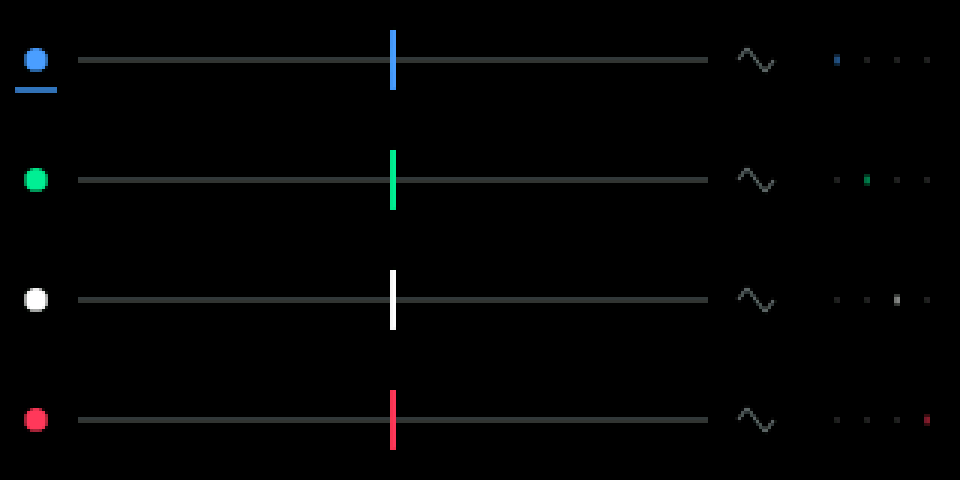
Four LFOs at once, one lane each. Each one can move an engine knob, the envelope or an effect knob. It works on synths and drums.
6.1.2 opening quad
step 1
SHIFT + T4
step 2
blue
SHIFT + T4, then turn blue to QUAD.
6.1.3 knobs
turn
blue
frequency, 0.05 to 20 hz
green
amount, both ways
white
target
orange
destination
shift + turn
blue
frequency or tempo division
green
smoothing, 0 to 7
white
waveform
orange
tempo sync on / off
6.1.4 keys
press a knob
select lfo 1 … 4
6.1.5 targets and shapes
Targets: an engine knob, the envelope (the synth's ADSR or the drum envelope) or an effect knob.
Each LFO runs per voice (it restarts with each note, like the stock LFOs) or free-running. A white dot next to the target means free-running.
Holding SHIFT shows a table of all four. Waveforms: sine, triangle, ramp up, ramp down, square, sample & hold. Synced, the rate is a tempo division: 4/1, 2/1, 1/1, 1/2, 1/4, 1/4T, 1/8, 1/8T, 1/16, 1/16T, 1/32.
6.1.6 tips
- Its settings are saved with the sound.